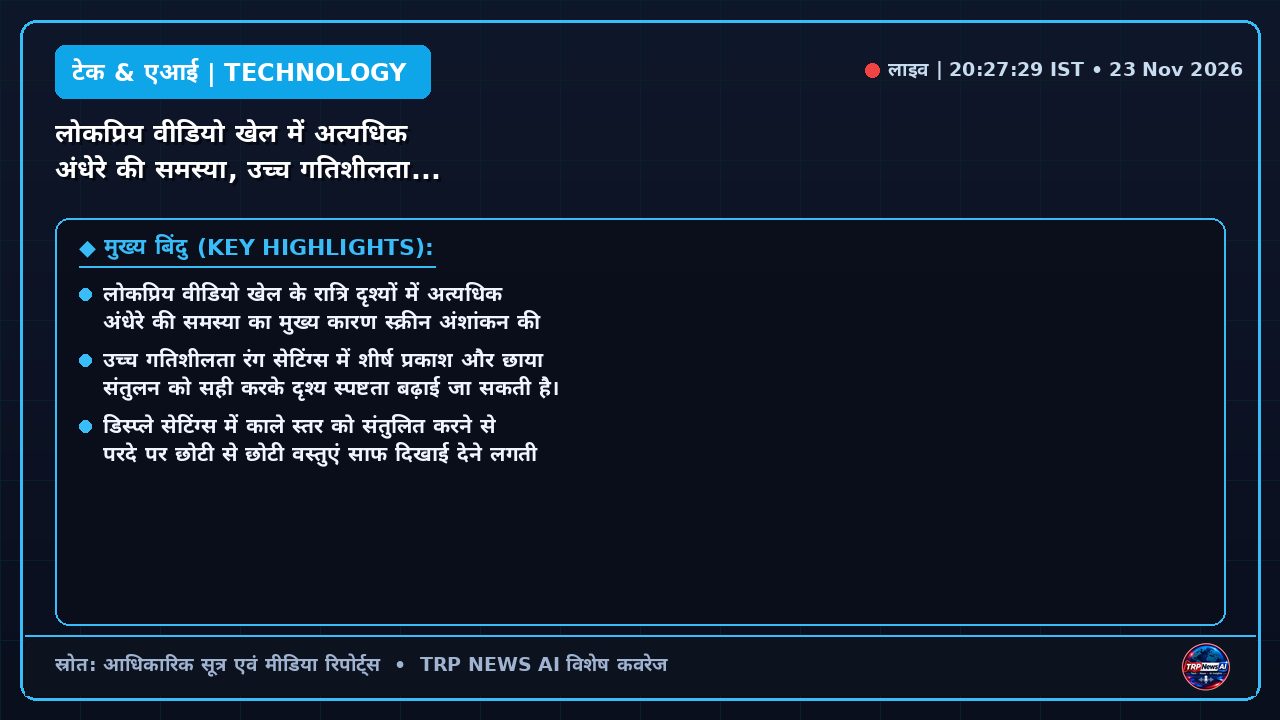
GTA 6 Visual Calibration: Why Display Appears Too Dark And How To Correct HDR Settings.
Detailed Report:
Players encountering severe shadow crushing and excessive darkness in the newly showcased builds of the flagship gaming title can resolve the issue through targeted visual calibrations. Display engineers report that the obscured nighttime visuals stem from mismatched luminance mapping between the game's internal rendering pipeline and high dynamic range display panels. When standard factory settings fail to align peak white values with the hardware's actual nit output, dark regions collapse into undifferentiated black masses. To resolve this, users must recalibrate display settings by manually adjusting the maximum peak brightness slider to match their monitor specifications while nudging black level floor values slightly upward. Furthermore, disabling dynamic tone mapping on compatible televisions eliminates inconsistent exposure fluctuations, restoring subtle shadow details, balanced environmental lighting, and intended cinematic realism across dense urban and wilderness backdrops.
(Source: Global News Agencies & Official Bureau)
Stay tuned to TRP News AI and trpnewstv.com for 24/7 breaking news and real-time live streaming.